How Affiliate Deep Links Work in SaaS Programs
A deep link sends a reader to the exact page they need rather than a vendor home page, and the program decides whether you may build one. Impact uses a query parameter and a permitted-domain list. Awin screens the destination domain and silently falls back to a default landing page. PartnerStack gives partners a curated list of approved destinations, plus a template system for sites that track every page. Here is what the three help centres actually say, as of October 2026.
This article is a documentation review: it is based on the vendors' own published pages, checked on the date shown. We may earn a commission from some links; it never affects what we recommend.
A deep link sends a reader to the exact page they need instead of a vendor home page. Whether you may build one is not your decision. The program sets it, and three networks set it differently.
Impact lets you bolt an encoded destination onto a tracking link. Awin screens the destination domain before the reader gets there. PartnerStack hands you a list of approved destinations and little else.
Everything quoted below was read from the networks own help pages on October 26, 2026. None of it replaces the program terms you agreed to when you joined.
A deep link is a tracking link with a destination attached
On Impact the mechanism is a query parameter. To the end of your tracking link you add the value u={Encoded Landing Page URL}, and the platform resolves the rest.
The documented shape is https://{tracking domain}/c/{Account ID}/{AdID}/{Campaign ID}?u={Encoded Landing Page URL}. Impact attaches two conditions: the deep-linked URL must be for an allowed domain and path, and the URL must be percent coded.
Impact also discourages hand-building the code. It says it highly recommends retrieving your ad code from the impact.com platform to reduce ad code customization mistakes.
Vanity links are a special case. Deep links can only be created from a full tracking URL, so a shortened link has to be expanded inside the platform before a destination is added.
The brand decides whether you may deep link at all
Impact states it plainly: brands can choose to disable deep linking for more control over their programs. The partner has to go looking for the setting.
The place to look is the brand detail modal under My Brands. In the How we track section, a greyed-out Deep Linking block means the brand does not allow deep linking by default.
Permission is not all-or-nothing. Even if a brand allows deep linking in general, Impact says it can still disable deep linking for a specific asset.
The Brand Creatives screen carries a Deeplinking filter with Supported and Not Supported views, so an individual asset can be checked before you build a page around it.
This is one more clause worth finding at signup rather than after a flat month, which is the argument of reading the program terms before you promote.
Permitted domains decide where a link may land
A deep link pointed at a domain the brand never registered does not fail quietly. Impact tells brands exactly what happens to that traffic.
If partners do not use the permitted domains, all traffic they drive using that link will be sent to a generic impact.com page with no options to head to your website.
The reader sees an error instead of a product. Impact documents two messages: the link you clicked on is malformed, and the link you clicked on has expired.
The second has a different cause. Impact tells brands the partner may be blocklisted from your program, which is a relationship problem rather than a formatting one.
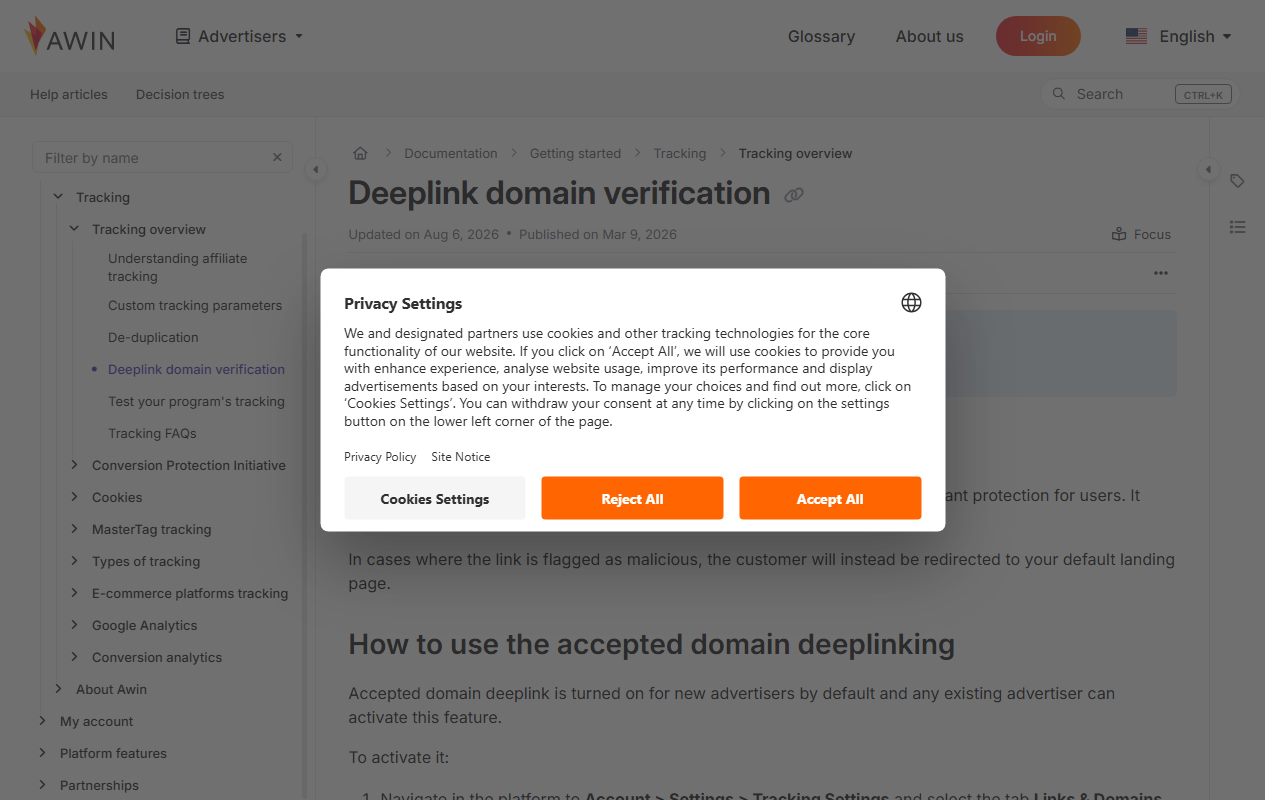
Awin runs the same check from the other end. Its deeplink domain verifier is described as a passive tool that is always on, checking the domain of Awin deeplinks for malicious content.
A flagged link does not visibly break. The customer will instead be redirected to your default landing page, so the click still happens and the page you chose never appears.
Advertisers can tighten it further with a checkbox marked Only allow deep links to accepted domains. Awin says accepted domain deeplinking is turned on for new advertisers by default.
PartnerStack gives you a list, not a parameter
PartnerStack starts from the opposite default. The link text and URL destination of your default referral link cannot be changed at all.
Custom links exist only where the company enabled them. If custom link creation has not been enabled, the option to create a custom link does not appear in the Links tab.
Destinations are curated. You select a destination from a list of company-approved destinations, because customers must land on a page the company configured to track activity.
PartnerStack explains why it changed. In the past partners could direct custom links to any page, which could result in missed conversions if the link went to a blog page or an untracked URL.
Wildcards reopen the door. A destination carrying an asterisk prompts you to replace the wildcard, so typing pricing sends the link to the vendor pricing page.
There are hard limits too. Up to 100 unique referral links can be created for each partnership, and custom link text can be letters, numbers, or dashes only.
Two partners cannot share link text. PartnerStack blocks duplicates so activity is tracked to the correct partner, the same accounting problem sub-IDs solve inside your own site.
Dynamic links turn one approval into many pages
For large catalogues PartnerStack documents a template system. The company creates a dynamic referral link, and the partner finishes it outside the platform.
The vocabulary matters. Subdirectories are the parts of a destination URL separated by slashes, templates are placeholders matching the number of subdirectories, and values are the text you plug in.
The count has to match. A URL with three subdirectories needs three templates, and each template inside a single link must be unique.
The admin cost is real. PartnerStack tells partners to keep track of the links they create outside PartnerStack in an external text editor, such as a spreadsheet.
It also warns that a company not set up to track customer creation across its entire site may decline to create a dynamic link, to prevent missed referrals.
A deep link onto an untracked page earns nothing
PartnerStack puts the failure in one line for companies using its JavaScript snippet: no JS snippet on the destination URL equals no customer capture.
Its advice to those companies is to add the snippet to every page, or to tell partners proactively which pages they may build custom links for.
For a publisher the lesson is narrower. A link can resolve, look correct and still be invisible to the program, which is why what a dashboard counts is worth rechecking after any link change.
The destination also inherits every rule you already agreed to. Paid-search and coupon restrictions travel with the link, as self-referral, coupon and PPC rules set out.
- Check whether the brand allows deep linking before you plan a page around it
- Check the individual asset, because per-asset deep linking can be switched off
- Percent-encode the destination and keep it on a permitted domain
- Expand a vanity link to its full tracking URL before adding a destination
- Confirm the destination page is one the program actually tracks
- Keep your own record of every custom or dynamic link built outside the platform
Bottom line
Deep links earn their keep because they shorten the distance between your sentence and the page that answers it. They are also the easiest affiliate link to break.
Treat the permitted-domain list as the real specification. Encoding and formatting are the easy part, and a wrong domain costs you the whole click.
A deeper link does not extend your claim on the customer either. The clock is still the program cookie window, compared in how cookie windows differ across networks.
Nor does it change how the page is judged. Google weighs original value rather than link depth, as how Google treats affiliate links covers, and network traffic rules still apply, as in prohibited affiliate traffic.
Frequently asked questions
What is an affiliate deep link?
It is a normal tracking link with a specific destination attached. On Impact you append the value u= plus a percent-encoded landing page URL, and the destination must sit on a domain the brand registered as permitted.
Can every affiliate program be deep linked?
No. Impact states that brands can disable deep linking for more control over their programs, and can also switch it off for one specific asset while leaving it on elsewhere.
What happens if I deep link to the wrong page?
On Impact, traffic driven to a non-permitted domain is sent to a generic impact.com page with no route back to the brand site. On Awin, a flagged deeplink redirects to the advertiser default landing page instead.
How many custom links can I create on PartnerStack?
Up to 100 unique referral links per partnership, per its help centre read October 26, 2026. Link text accepts letters, numbers and dashes only, and two partners cannot use the same link text.
Why would a company refuse a dynamic link?
Because the tracking may not reach every page. PartnerStack notes that a company not set up to track customer creation across its entire site may choose not to create a dynamic link, to prevent missed referrals.
Does a deep link change the cookie window?
No. The destination affects where the reader lands, not how long the referral stays credited to you. That duration is set by the program and sits in its terms rather than in the link.
Sources
- impact.com Help Center: Tracking Links Overview (brands can disable deep linking; Details tab and How we track section; per-asset Deeplinking filter) (checked Oct 26, 2026)
- impact.com Help Center: Create a Deep Link for an Ad (u= encoded landing page URL, tracking link shape, allowed domain and path, percent coding, vanity link expansion) (checked Oct 26, 2026)
- impact.com Help Center: Set Up Permitted Domains for Deep Linking (generic impact.com page for non-permitted domains, malformed and expired link error messages, wildcard formats) (checked Oct 26, 2026)
- Awin help: Deeplink domain verification (always-on passive verifier, redirect to default landing page, Only allow deep links to accepted domains, on by default for new advertisers) (checked Oct 26, 2026)
- PartnerStack: Creating custom referral links (default link cannot be changed, company-approved destinations, wildcard replacement, 100 links per partnership, letters numbers dashes only, duplicate link text blocked) (checked Oct 26, 2026)
- PartnerStack: Using dynamic referral links (subdirectories, templates and values; external tracking in a spreadsheet; companies may decline a dynamic link) (checked Oct 26, 2026)
- PartnerStack: Potential cases where link tracking fails (no JS snippet on the destination URL equals no customer capture; advice to add the snippet to every page) (checked Oct 26, 2026)