How Currency Conversion Changes an Affiliate Payout
Commission is quoted in one currency, recorded in another and paid in a third, and each hop has a published rule. Impact locks the conversion on the action date and will not let you change your account currency afterwards. Awin routes payment by currency and bank location, with a fixed 1.75% Payoneer rate for local payouts. PartnerStack refreshes its display rate every 24 hours and charges a separate processing fee. Here is what the three help centres say, as of October 2026.
This article is a documentation review: it is based on the vendors' own published pages, checked on the date shown. We may earn a commission from some links; it never affects what we recommend.
Commission is quoted in one currency, recorded in another and paid in a third. Every hop has a published rule, and none of the three networks below applies the same one.
Impact locks the conversion on the action date. Awin picks your payment rail from your currency and bank location. PartnerStack shows you one rate on screen and settles at another.
Every figure below was read from the networks own help pages on October 26, 2026. Rates and fee tables change, so confirm yours in the platform before you plan around them.
The contract currency is agreed before you earn anything
Impact describes the starting point clearly. It lets brands and partners agree on contract terms in either one of their own currencies, and converts when a payment moves between them.
The timing is the part worth knowing. The converted amount is calculated on the action date, not the day the payment is sent, and does not change after that.
So a better rate three weeks later never reaches you, and a worse one does not either. The number recorded on the action date is the number that settles.
Impact also names the only way to avoid conversion entirely: align the contract, account and withdrawal currencies so no conversion occurs. For a publisher that means choosing programs that contract in your own currency.
The contract currency sits in the General Terms section of the contract, which is one more field worth photographing at signup, alongside the clauses in reading the program terms first.
Your account currency is a one-way door
Impact answers the obvious follow-up question with a single word. Asked whether an account currency can be changed, its help page starts: No.
After you set up your impact.com account, the chosen currency cannot be changed. To use a different one you must recreate your partner account with the desired currency.
That is a steep cost for a setup field filled in a hurry. Contracts, tax documents and history all live on the account you would abandon, so decide the currency before you optimise anything else, including the link structure in how affiliate deep links work.
The payment rail is chosen for you
Awin does not offer a free choice of method. Its help centre states that your account will only display options available to you based on your selected currency and bank location.
The mapping is published. SEPA is used for EUR payments to accounts in SEPA-supported countries, BACS for GBP payments to UK accounts, and ACH for USD payments to US accounts.
Domestic payment methods exist where the currency matches the bank. Awin lists Denmark in DKK, Sweden in SEK, Norway in NOK, Poland in PLN, Switzerland in CHF, Brazil in BRL and Mexico in MXN.
Two currencies are routed regardless of where you bank. Awin says some currencies, giving AUD and CAD as the examples, are processed through Payoneer whatever your location.
Anything else crossing a currency region goes by international wire. Awin processes those through Payoneer Global Bank Transfer, either in local currency or by SWIFT wire.
Local currency costs a fixed 1.75%, a wire can cost more
Awin publishes both sides of that fork. For local currency payouts, Payoneer provides a fixed foreign exchange rate of 1.75% for local currency transactions processed by Awin.
That rate is applied over currency exchange rates pulled from well-known public sources, which Awin presents as the point: the fee is predictable rather than hidden.
The wire route trades one cost for another. There is no FX fee, but your bank or intermediary banks may charge landing or processing fees.
Awin puts a ceiling on that risk in writing. Those fees vary by country and institution and can reduce your payout, sometimes by as much as 6%.
Speed differs as well. Local currency payouts are typically delivered within 1 to 2 business days, while wire transfers generally take 4 to 5 business days.
Those days land on top of the approval and threshold waits described in how SaaS affiliate programs pay out.
PartnerStack separates the display rate from the payout rate
PartnerStack lets you change the dashboard currency, and names the six options: USD, GBP, CAD, EUR, AUD and NZD. The commissions tab still shows the currency of your connected payout provider.
The display rate is not fixed. PartnerStack says the value will fluctuate every 24 hours based on the exchange rate, so the same unpaid balance reads differently from one day to the next.
Individual commissions are shown twice, as the original amount in USD and the converted amount in your preferred currency. Available Funds converts to the denomination of your connected provider instead.
Its own advice is to keep the hops short. PartnerStack recommends withdrawing via direct deposit to a bank in the country of your selected currency to minimise processing fees.
One constraint catches people who bank cleverly. PartnerStack states that foreign currency accounts and virtual banks are not supported.
Processing fees are a second deduction
PartnerStack publishes the fee table rather than burying it. Stripe carries a processing fee of $2.25 USD plus 0.25%, to a maximum of $20 USD per payout, and PayPal charges 2% to a maximum of $20 USD.
Direct deposit depends on country and amount. In the lowest band, $0 to $999 USD, a US local transfer costs $1.00, rising to $5.00 in the bands above $5,000.
Other geographies pay a percentage as well. Australia, Canada, the EU, Hong Kong, New Zealand, Singapore and the United Kingdom are listed at $2.00 plus 0.60% in that same lowest band.
The spread widens further out. India is listed at $4.00 plus 1.00% in the lowest band, and PartnerStack notes that Egypt local rates include an additional 1% fee.
Sending money to the wrong-currency account is the expensive mistake. A non-default currency goes by SWIFT, where the flat fee starts at $15 USD in the lowest band and reaches $30 USD above $50,000.
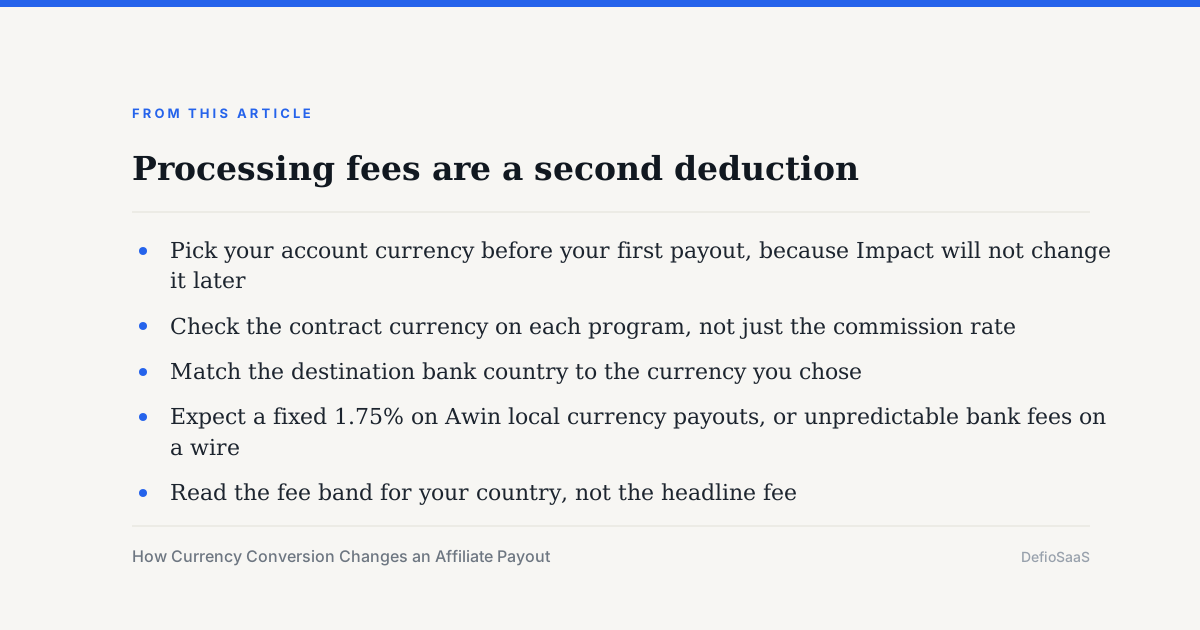
- Pick your account currency before your first payout, because Impact will not change it later
- Check the contract currency on each program, not just the commission rate
- Match the destination bank country to the currency you chose
- Expect a fixed 1.75% on Awin local currency payouts, or unpredictable bank fees on a wire
- Read the fee band for your country, not the headline fee
- Treat a dashboard total in a non-settlement currency as an estimate
Why two totals never match
Three published mechanics explain most of the gap. Impact locks its rate on the action date, PartnerStack refreshes its display rate every 24 hours, and a processing fee is removed at withdrawal.
Timezone adds a fourth. Impact publishes a supported timezone list alongside its supported currencies, and an account set to the wrong one shifts which day an action belongs to.
None of this changes what you earned, only what arrives. The earning side is counted separately, as how affiliate dashboards count a conversion sets out.
Bottom line
Currency is a setup decision disguised as an accounting detail. Chosen once, it follows every commission on that account.
The cheapest configuration is the boring one: contract, account and bank in the same currency, paid by a local rail. Everything else adds a percentage or a week.
Recurring programs feel it most, because the conversion cost repeats every month, as the arithmetic in what recurring commission really pays shows.
And none of it is tax. Conversion and processing fees sit before the paperwork described in how tax forms work for affiliate payouts, and a rate rise under affiliate tiers is converted on the same rules.
Frequently asked questions
When is an affiliate commission converted to my currency?
On Impact, on the action date. Its help page states the converted amount is calculated on the action date, not the day the payment is sent, and does not change after that.
Can I change the currency of my affiliate account?
Not on Impact. Its help page answers no, and says that to use a different currency you must recreate your partner account with the desired currency.
How much does currency conversion cost on Awin?
Awin states Payoneer provides a fixed foreign exchange rate of 1.75% for local currency transactions it processes. A SWIFT wire has no FX fee, but bank fees can reduce the payout by as much as 6%.
Why does my PartnerStack balance change without new sales?
Because the display currency is converted daily. PartnerStack states the value will fluctuate every 24 hours based on the exchange rate, while individual commissions still show the original USD amount.
What does a direct deposit cost?
It depends on country and amount. PartnerStack lists $1.00 for a US local transfer in the $0 to $999 band, and $2.00 plus 0.60% for the UK, EU, Canada, Australia, New Zealand, Hong Kong and Singapore.
Is a multi-currency account a good idea?
Not on PartnerStack. Its payout provider page states that foreign currency accounts and virtual banks are not supported, and that non-default currency transfers must go through SWIFT at higher flat fees.
Sources
- impact.com Help Center: Currency Conversion Explained (contract terms in either currency, conversion calculated on the action date and locked, aligning contract, account and withdrawal currencies) (checked Oct 26, 2026)
- impact.com Help Center: Can I Change My Account Currency? (no; recreate the partner account with the desired currency) (checked Oct 26, 2026)
- impact.com Help Center: Supported Currencies & Timezones (currencies by region with supported bank account locations, separate ACH, wire and PayPal lists, supported timezone list) (checked Oct 26, 2026)
- Awin publisher help: What are the available payment methods? (SEPA for EUR, BACS for GBP, ACH for USD, domestic payments in DKK, SEK, NOK, PLN, CHF, BRL, MXN, AUD and CAD via Payoneer, international wire) (checked Oct 26, 2026)
- Awin publisher help: Receiving payments via Payoneer, local currency vs wire transfer (fixed 1.75% FX rate, bank fees up to 6% on wires, 1 to 2 versus 4 to 5 business days) (checked Oct 26, 2026)
- PartnerStack: Changing display currency (USD, GBP, CAD, EUR, AUD, NZD; 24-hour fluctuation; original USD plus converted amount; direct deposit advice) (checked Oct 26, 2026)
- PartnerStack: Configuring payout providers (Stripe $2.25 plus 0.25% to a $20 maximum, PayPal 2% to a $20 maximum, local and SWIFT transfer fee tables, no foreign currency accounts or virtual banks) (checked Oct 26, 2026)